


Interactive Remote Access
Secure and Efficient Collaboration with Interactive Remote Access
Available for:





Start Business Trial
Secure remote collaboration and interactivity
Connect to co-workers from all over the world and work together on documents. Troubleshoot any technical issues, no matter the distance. AnyDesk brings you and your collaboration partners together.

Intuitive Collaboration
It only takes a couple of clicks to connect via AnyDesk. The small file is quickly downloaded and set up. Send a session request or invite your colleagues to access your screen. You will be connected in no time.

Maximum security
You decide how your project partners can access your device. With Interactive Access, you have the full control. No one can access your device without you actively allowing it. You can adjust the session permissions at any time over the Accept Window.

Flexible settings
Collaborating is all about flexibility. Use the on-screen Whiteboard to visually guide project partners through a program. Switching the direction of Remote Access is a matter of one click. If things are still unclear, you can record the session and view it afterwards.
AnyDesk enables teamwork & collaboration
Screen Sharing
AnyDesk Interactive Access is the ideal solution to share your Remote Screen quickly and without any latency. This is perfect for software or product demos that require a high frame rate.
Teamwork
Whether you are using one PC together or accessing each other's desktops for Remote Collaboration – teamwork becomes easier and faster with AnyDesk Interactive Access.
Troubleshooting
Find out where the technical issues are by simply connecting to your client remotely. AnyDesk Interactive Access builds up trust thanks to the session request that needs to be accepted first.
Tutorial: Get started with AnyDesk
Discover how easy it is to get started with AnyDesk



Precision remote control for professional support
AnyDesk's Interactive Access puts complete control in your hands with customizable permission settings for every session type. Configure access levels from view-only screen sharing to full administrative control, and adjust permissions in real time as your support needs change. Every connection requires manual approval, ensuring users maintain full control over device access.

Flexible Permission Management
Adapt access levels instantly through the Accept Window during active sessions. Grant full keyboard and mouse control for comprehensive troubleshooting, restrict to screen-view-only for secure demonstrations, or enable file transfer and system restart capabilities as scenarios evolve. Configure the exact permissions your team needs without interrupting workflow.

Collaborative Control Features
Switch control direction with a single click, allowing both parties to guide each other through complex troubleshooting steps. Use the integrated whiteboard tool to mark up screens and provide visual guidance in real-time, making it easier to communicate technical instructions and highlight specific interface elements during remote sessions.

Session Documentation & Security
Record entire sessions for training documentation, quality assurance, and compliance purposes. Capture every interaction for future reference or to demonstrate best practices to your team. Whether conducting product demonstrations, training remote teams, or resolving IT issues, AnyDesk delivers flexible remote control with enterprise-grade security.
Discover more
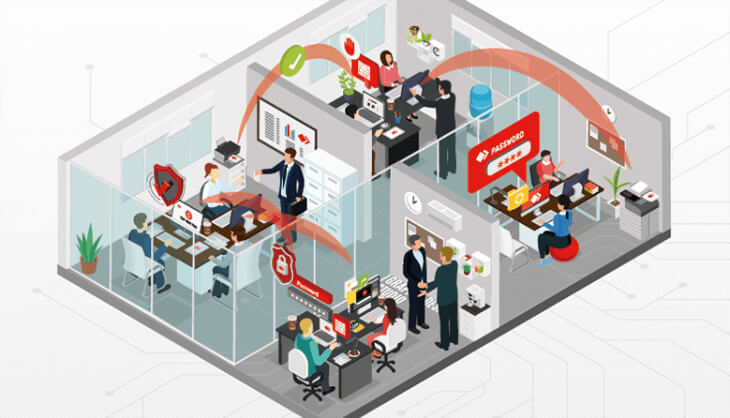
Blog: Control Desktop Access
Read more about how you can control how your desktop is accessed.


 +1 833 269 3375
